
Diagrams
View MarkdownExplore
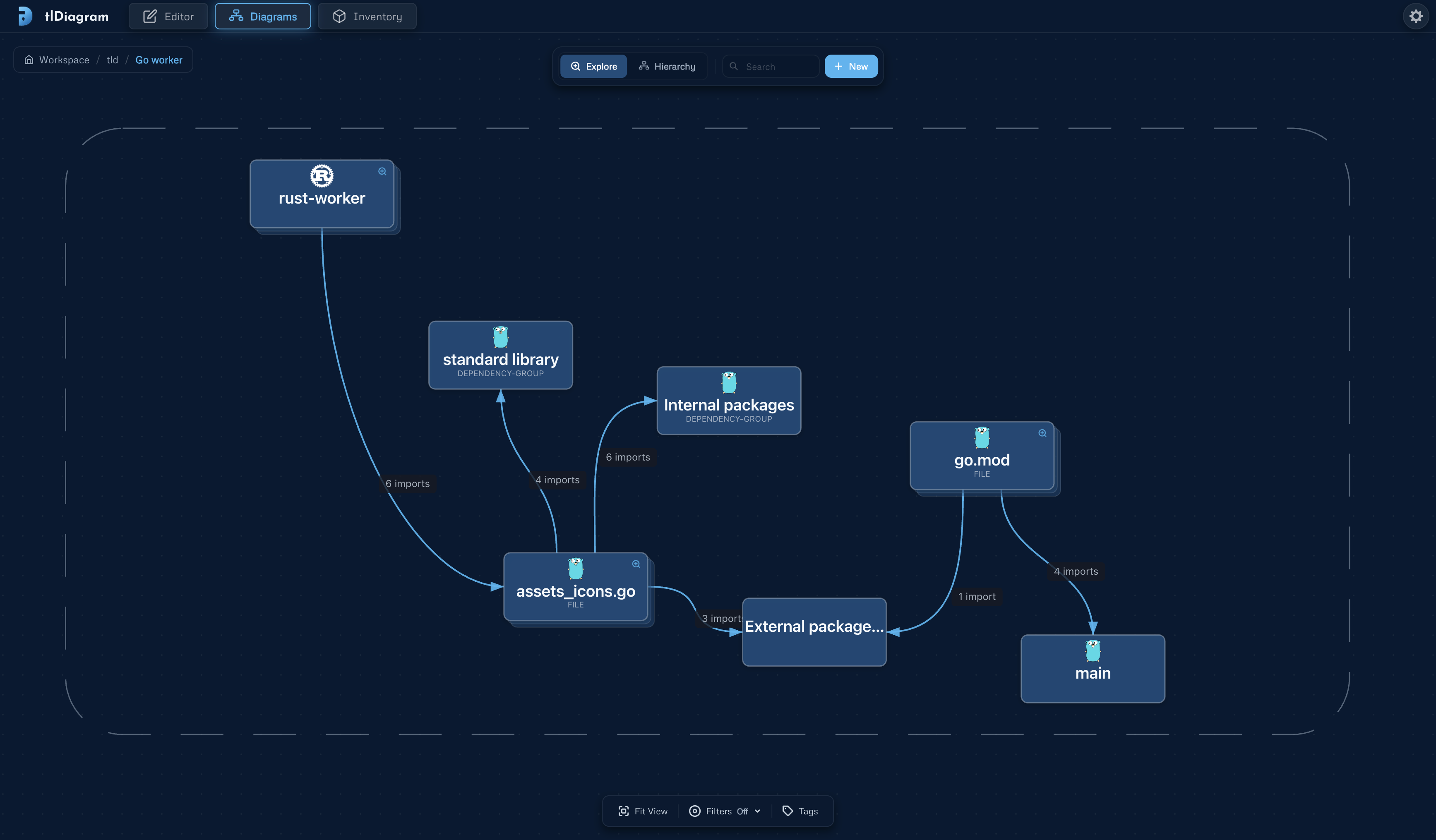
Section titled “Explore”See your architecture as a zoomable map across views and elements. Try pinching to zoom, or dragging to pan around the workspace. Click a diagram card to open it in the editor.
Hierarchy
Section titled “Hierarchy”This is the view tree, organized by parent-child relationships. It shows the same diagrams as Explore, but its orthogonal to its spatial layout. Use it to understand ownership, nesting, and C4-style depth.
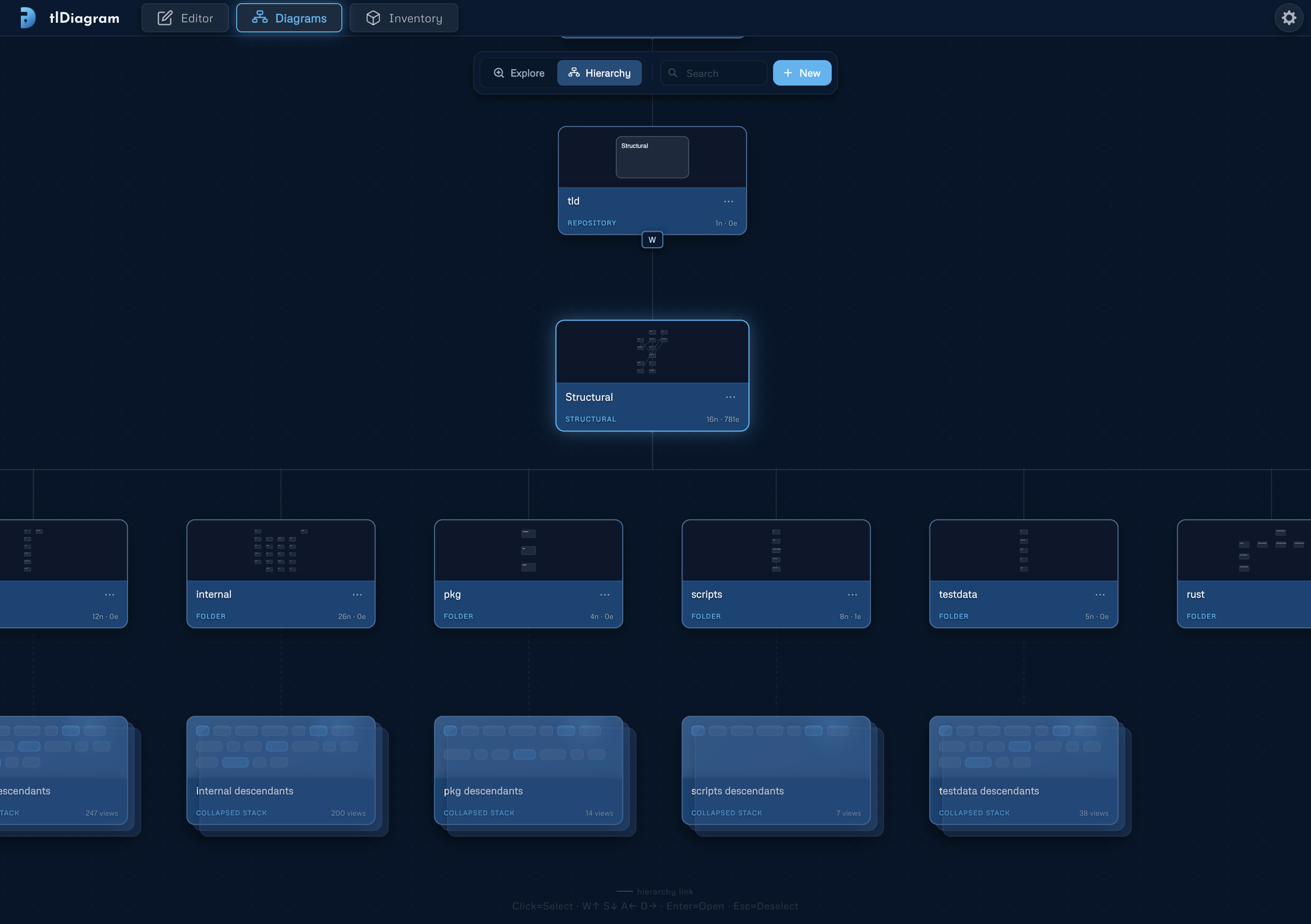
Each diagram card shows its level, name, element count, and connector count.
Common Actions
Section titled “Common Actions”- Use New to create another diagram.
- Use Explore when you want spatial context across the whole workspace.
- Use Hierarchy when you want to understand ownership, nesting, and C4-style depth.
- Search finds views and elements, then jumps to the matching object.