
Inventory
View MarkdownThe Inventory page is a searchable index of the workspace. Use it to audit architecture objects, clean up metadata, and jump from a global list into the editor.
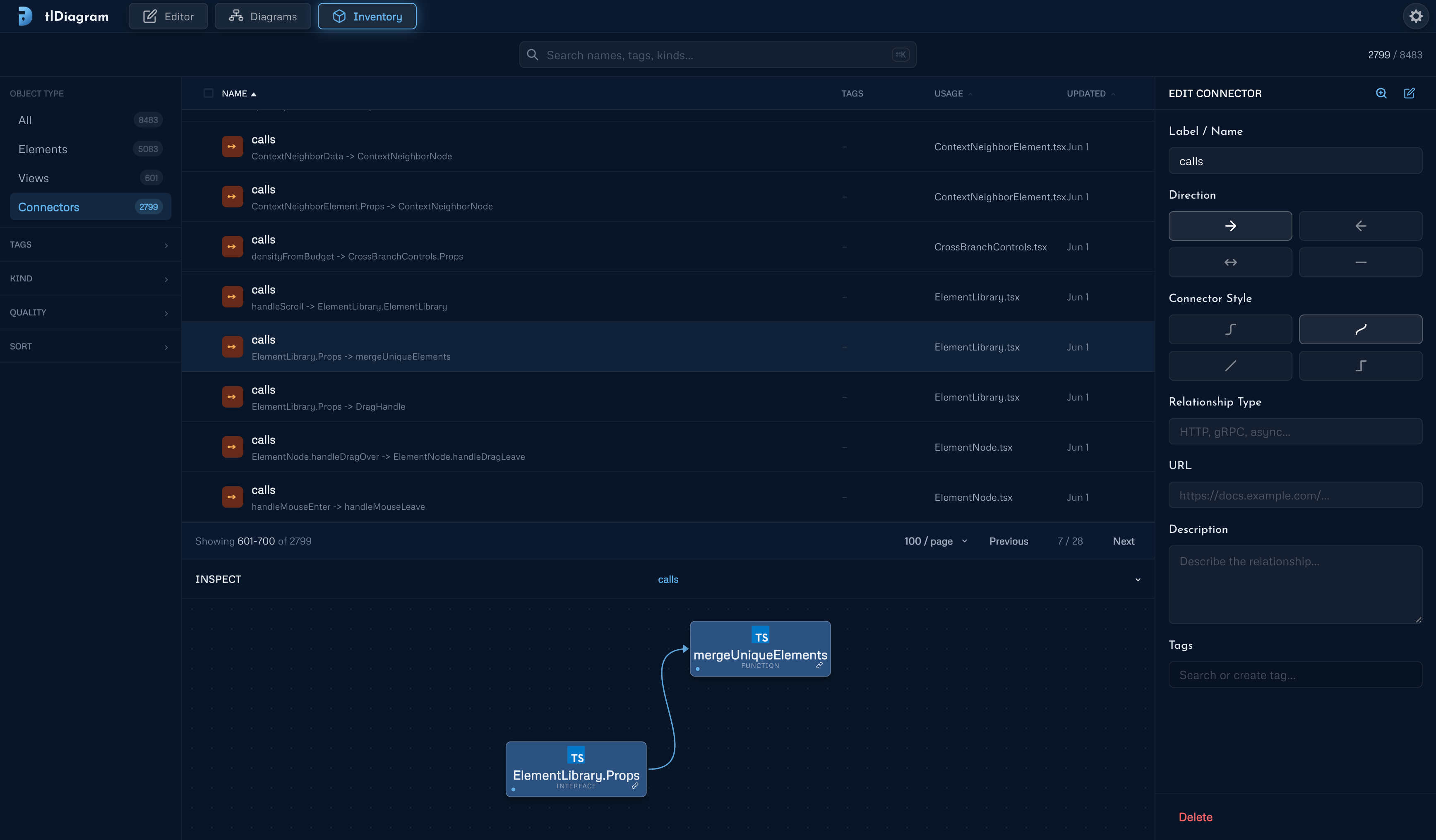
- Search by name, tag, kind, technology, relationship, source, target, or view.
- Filter by object type, tag, kind, and quality flags such as missing descriptions, unused elements, empty views, and unlabeled connectors.
- Select multiple rows to add tags, remove tags, or delete objects in bulk.
- Use the inspector to edit the selected object or jump to it in Explore or the Editor.